Unified Employee Graph and Cross-Module Workflows
Alice changes teams, then leaves the company. Which system owns each change, and how does it reach the others?
Topic tools
Layout updated
Problem statement
Design a platform that connects employee records across HR, IT, payroll, and benefits. Authorized users can look up employee relationships, and hiring or termination can trigger work across those systems.
Functional requirements
- Query an employee profile and relationships: manager, department, app accounts and assigned devices.
- Return only the employees, relationships and fields the caller is allowed to see within their tenant.
- Reflect changes from HR, IT, Payroll and Benefits in the shared employee view.
- Coordinate onboarding and offboarding, and show which actions succeeded, are pending or need attention.
Non-functional requirements
- Common bounded relationship reads: target under 200 ms and 99.9% availability.
- Enforce tenant isolation and field permissions. Sensitive authorization uses current authoritative identity/policy state, not a stale graph.
- Ordinary graph relationships may be eventually consistent; target propagation within 10 seconds in normal operation and expose source freshness.
- Accepted lifecycle work is durable, independently retryable and auditable. Confirm external effects before declaring a step complete.
Back-of-the-envelope estimates
| Illustrative estimate |
|---|
| Assume 100,000 companies and 10 million employees overall; the largest company has 100,000 employees. Alice’s 10,000-person company is our running example. |
| Use 100,000 reads/s as an illustrative aggregate peak. This must be spread across shards, replicas and safe caches; it is not a target for one PostgreSQL instance. |
| 30 relationships per employee gives 300 million edges. At 200 bytes per edge plus 2 KB per profile, roughly 80 GB raw, before indexes, replicas and history. |
Entities
| Entity / logical owner | Minimal authoritative fields and boundary |
|---|---|
| Employee — unified identity and HR projection | employeeId, tenantId, hrId, status, sourceVersion. HR owns official status, manager and department. |
| Relationship — graph projection | tenantId, sourceId, targetId, type, ownerVersion, validFrom, validTo. Examples: Alice REPORTS_TO Bob; Alice BELONGS_TO Engineering; Alice HAS_ACCOUNT Slack; Alice ASSIGNED_DEVICE Laptop. |
| Workflow — orchestrator | workflowId, tenantId, employeeId, workflowType, status; per-step action, stable operation ID and result. Step state and commit together. Domain services perform actions; the task queue holds delivery work. |
API design
| Operation / input | Response and retry contract |
|---|---|
GET/v1/employees/{id} | 200 authorized employee profile and source version. Derive tenant from authentication. |
GET/v1/employees/{id}/relationships?type=...&cursor=... | 200 authorized relationships, paginated to 100 per page; cap manager-chain depth at 20 and report truncation. |
POST/v1/source-events | 202 after durable acceptance of a trusted source event: tenant, employee, source version and change type. Duplicate event IDs are safe. |
POST/v1/lifecycle-workflows | 202 workflow ID for employee, onboarding/offboarding and effective time. A repeated request key returns the same workflow. |
GET/v1/lifecycle-workflows/{id} | 200 per-step status: confirmed, pending, failed or unknown. Queued work is not completed work. |
POST/v1/lifecycle-workflows/{id}/retry | 202 for eligible failed steps. Reuse the original action ID and investigate unknown outcomes before retrying. |
High-level design
How to draw this design
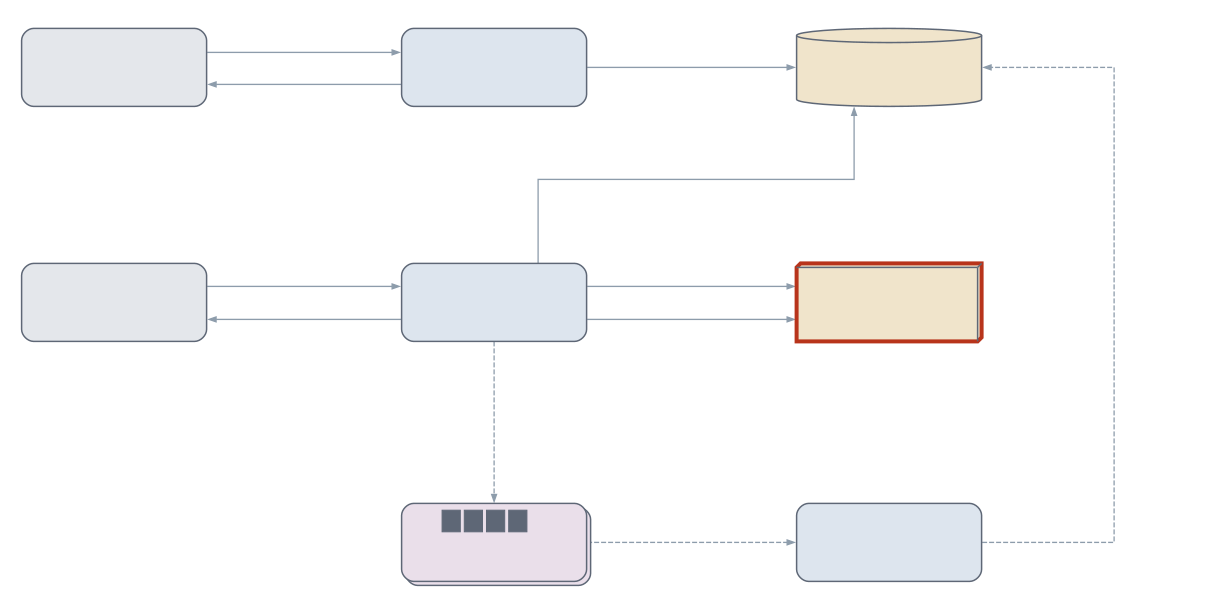
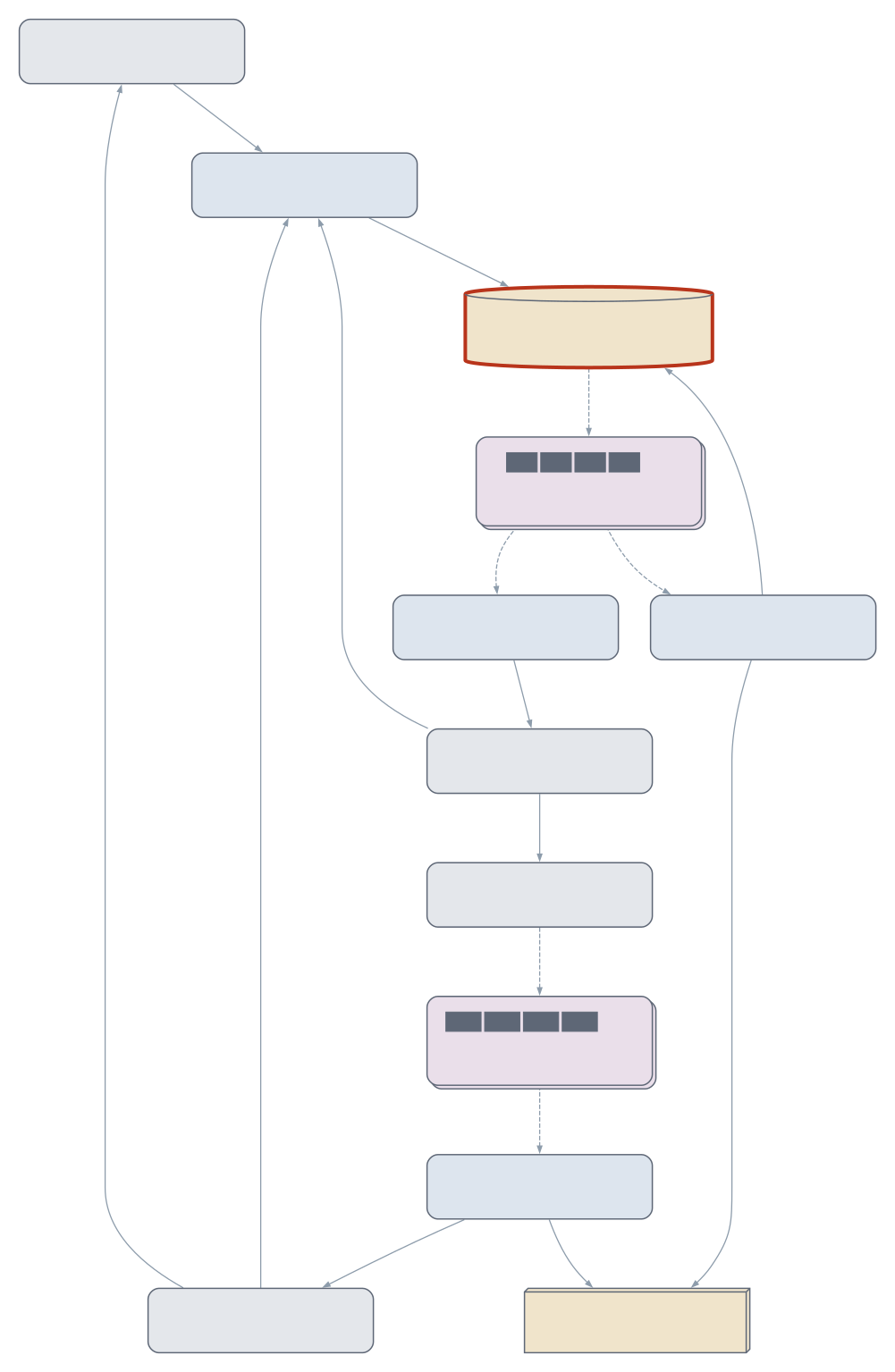
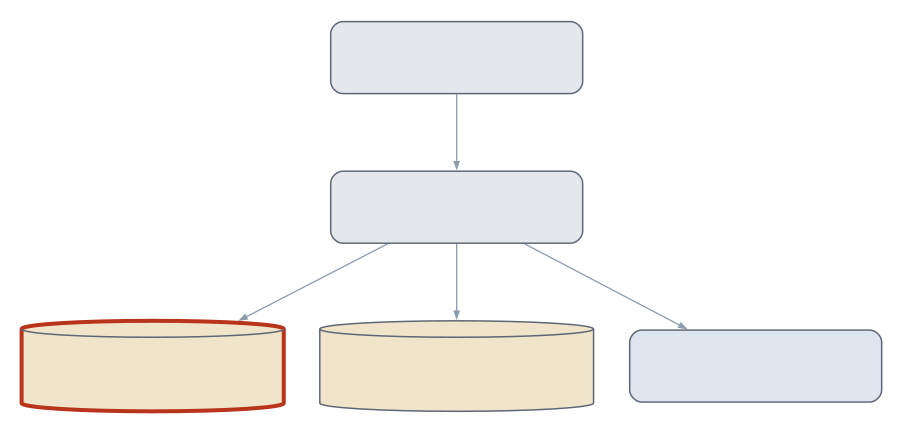
- Capture employee changesHR source, , and Kafka
- Build relationship viewsGraph projection workers and relationship database
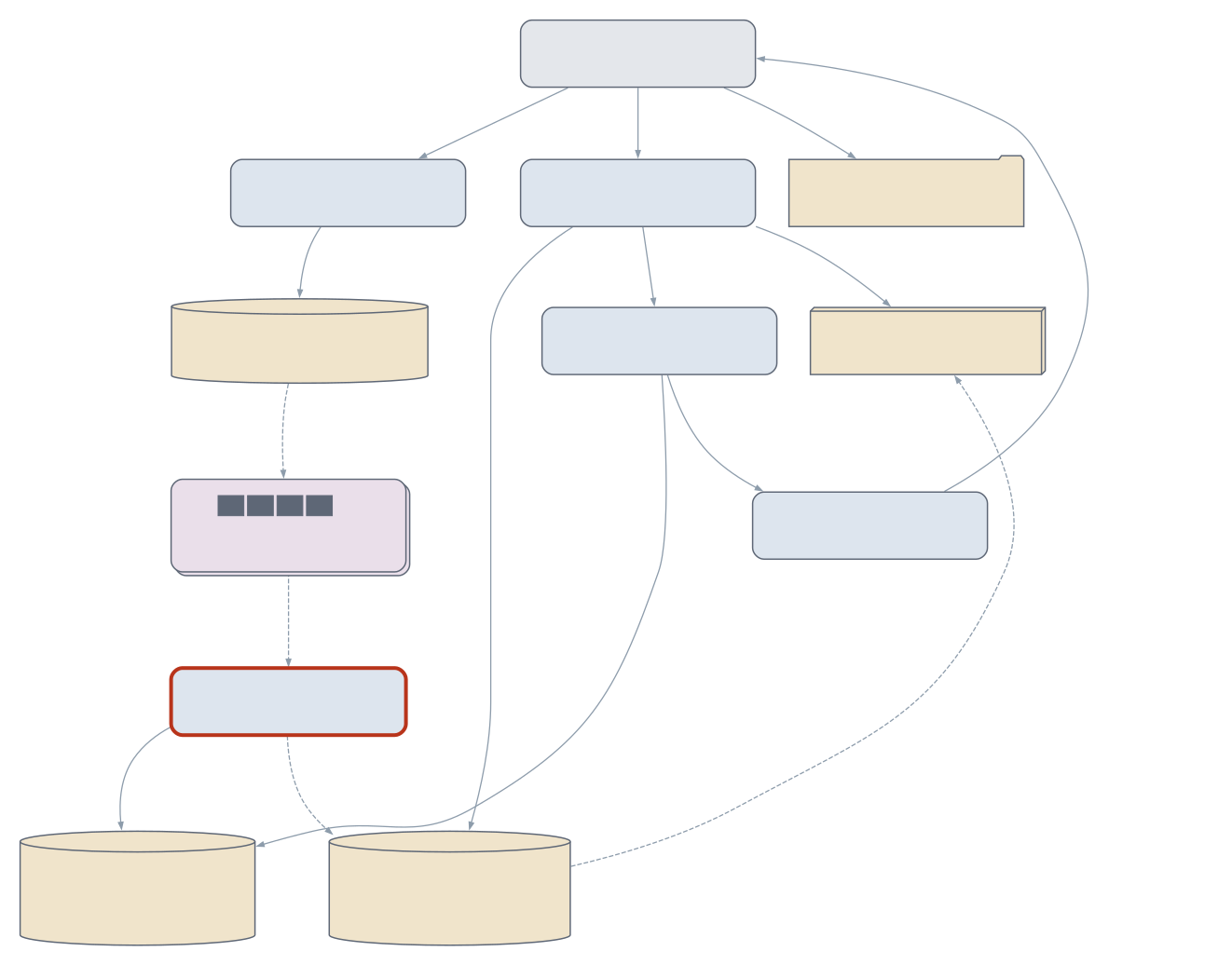
- Serve authorized reads gateway, Employee Graph Service, and authorization
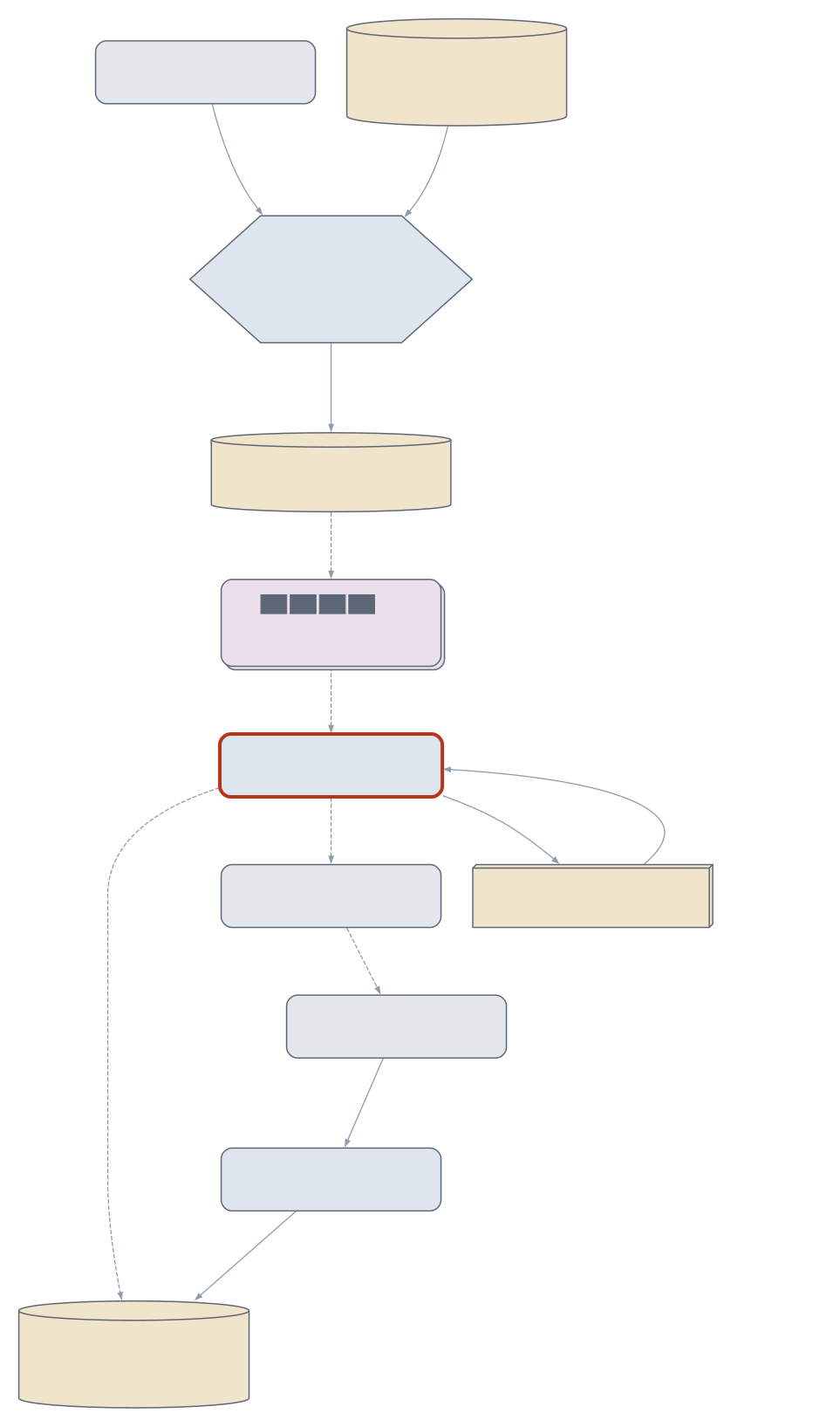
- Execute workflowsOrchestrator, durable tasks, and module adapters
Publish HR changes, build the graph view, then use authorized relationships to serve queries or drive workflows.
- State ownership
- HR owns employee facts. The graph stores derived relationships. The workflow store owns task progress.
- Scale
- Partition by company and isolate work for large tenants.
- Correctness
- Apply events in source-version order and enforce the tenant and caller's access on reads.
- Failure and recovery
- Replay the graph from source events and resume module work using saved operation identities.
Employee Graph — read, synchronize and orchestrate
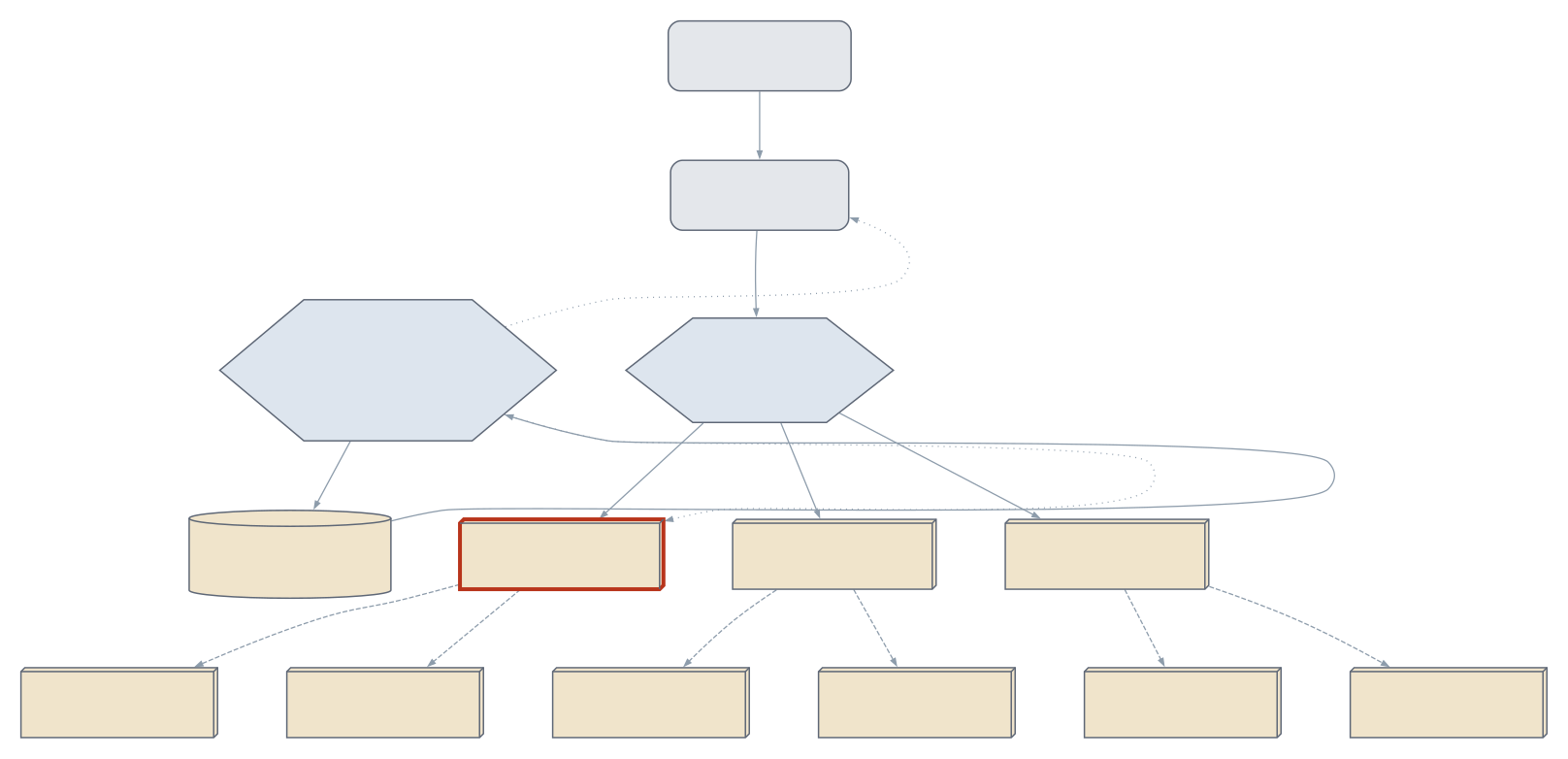
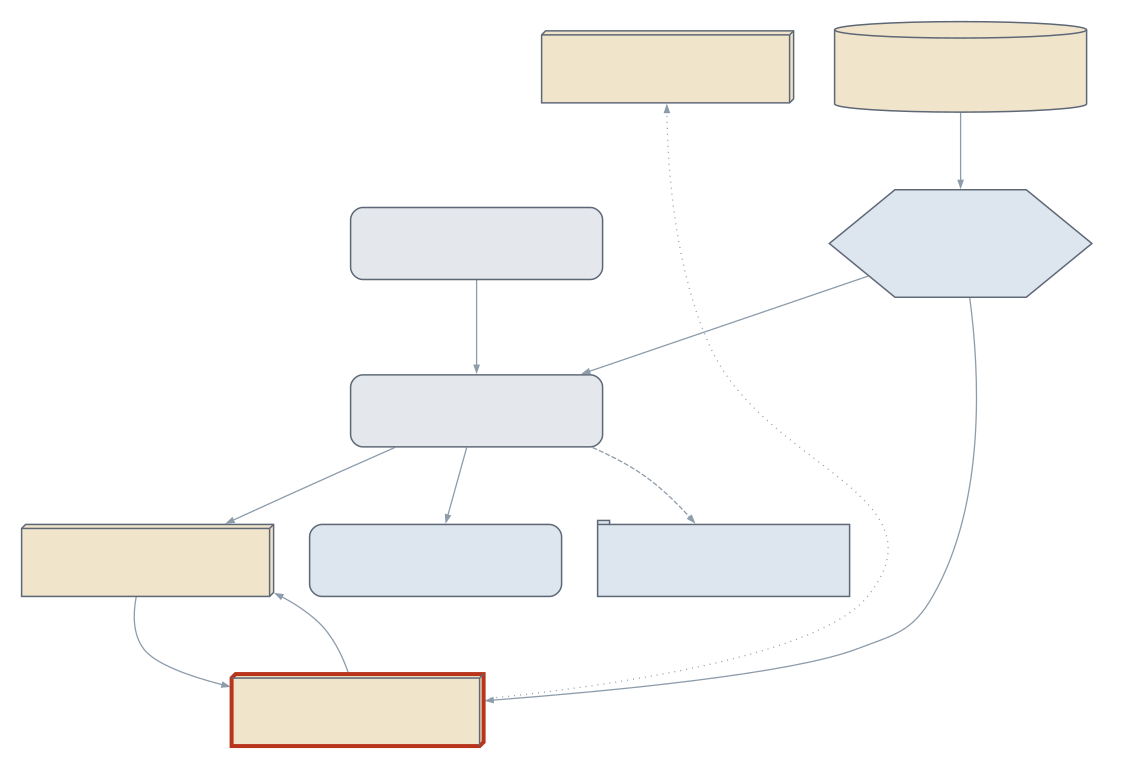
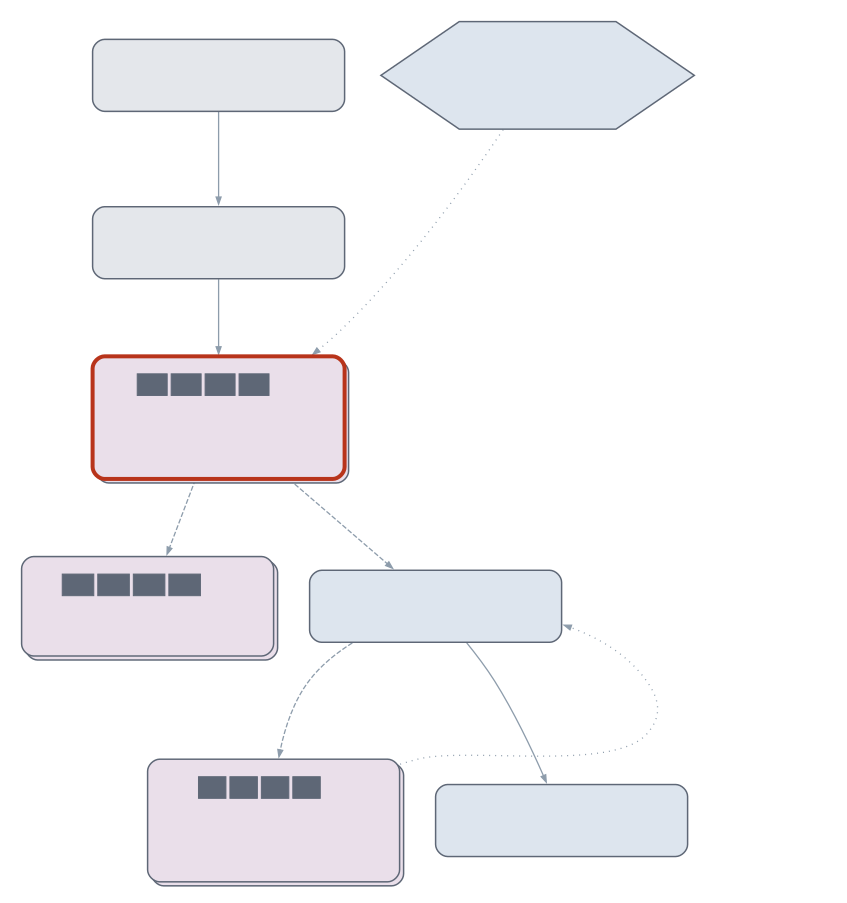
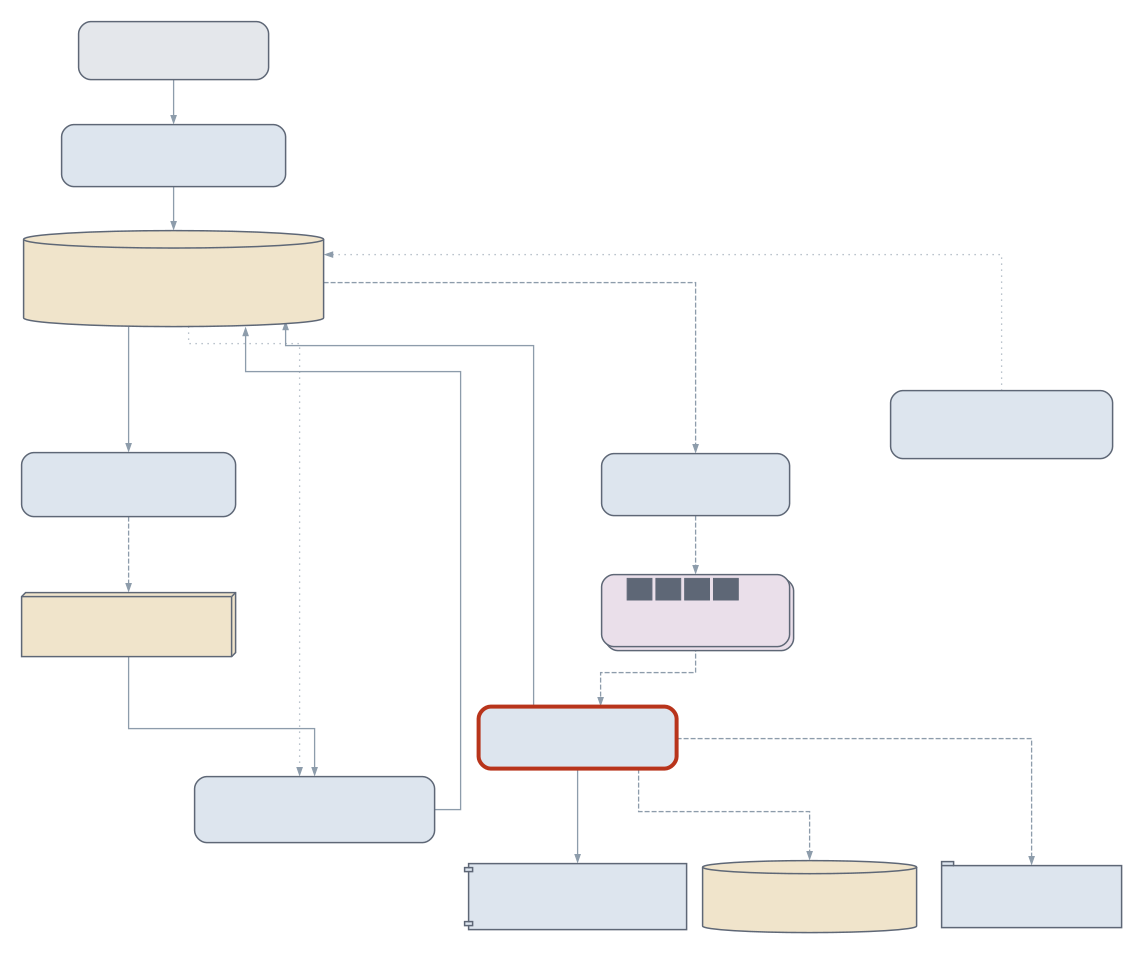
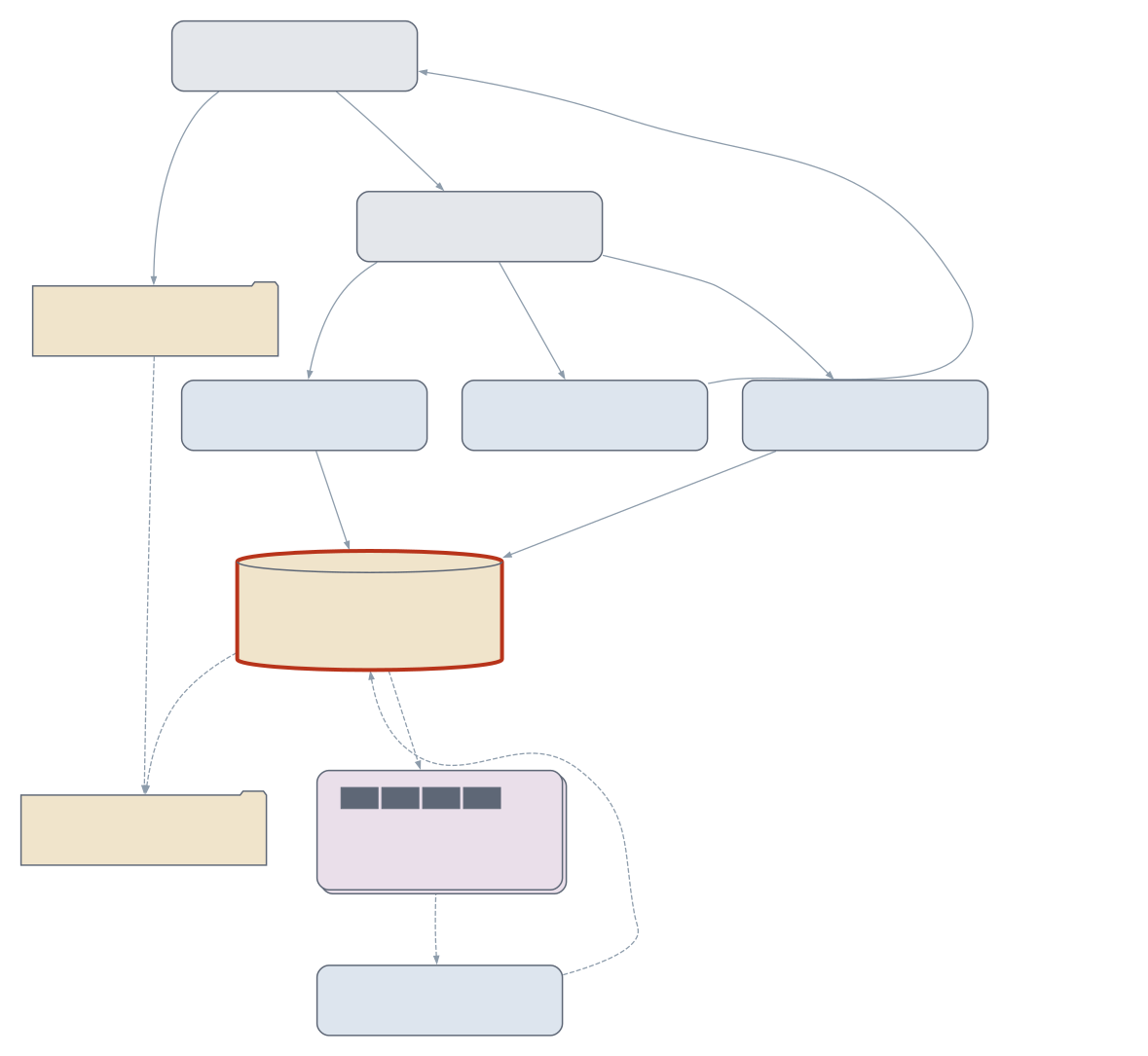
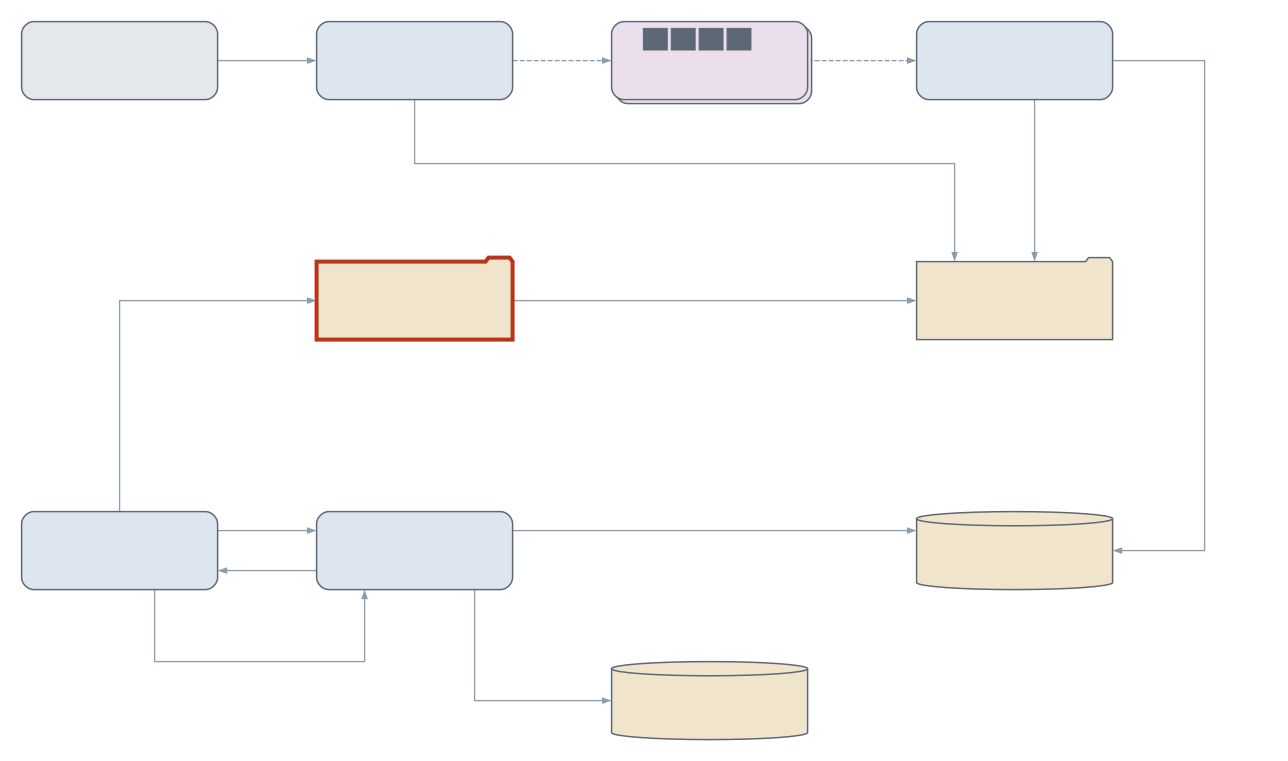
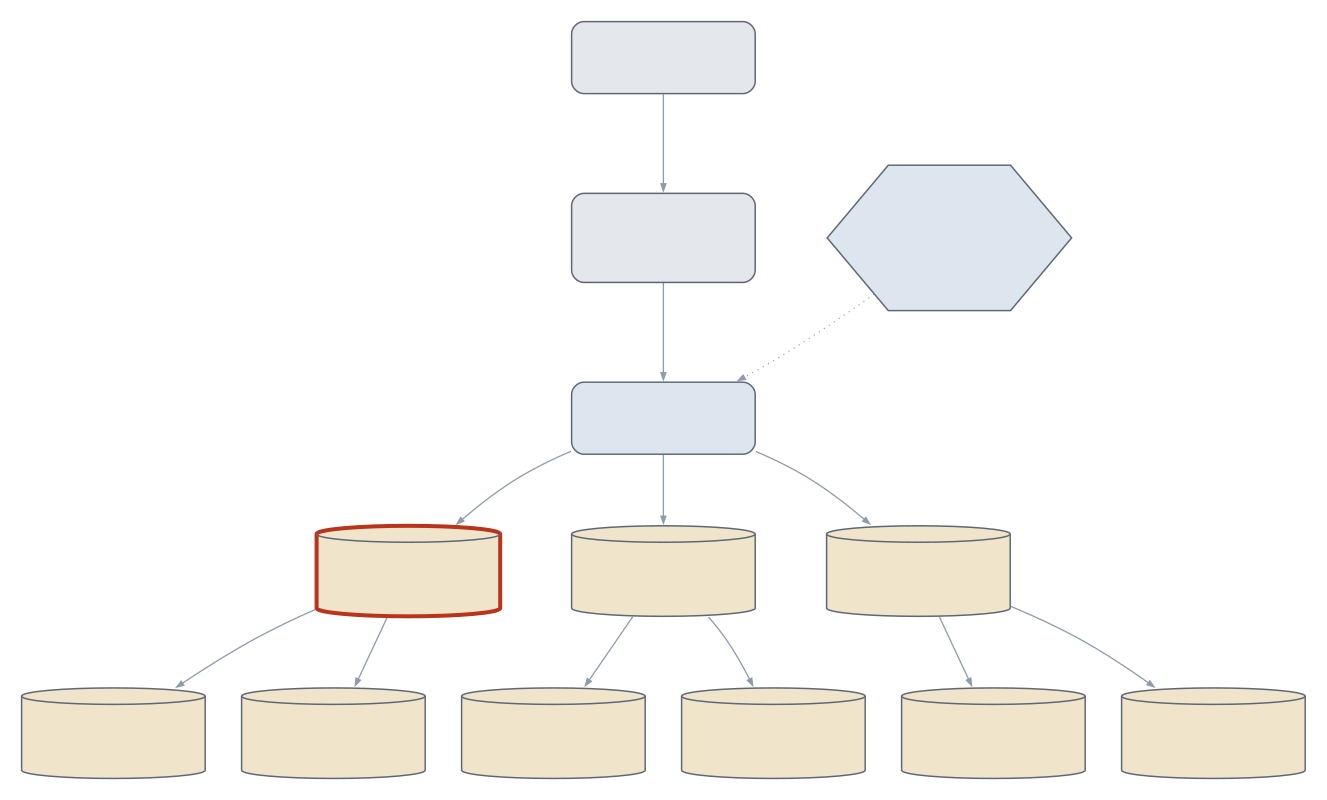
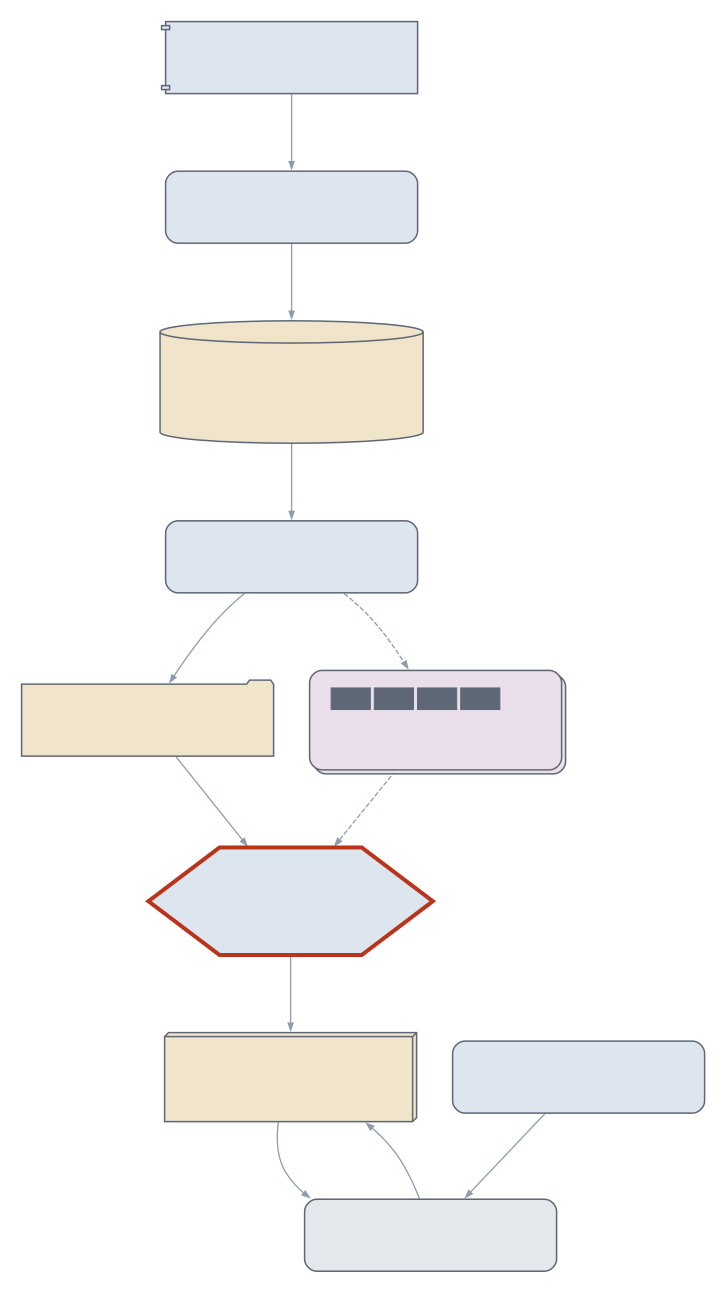
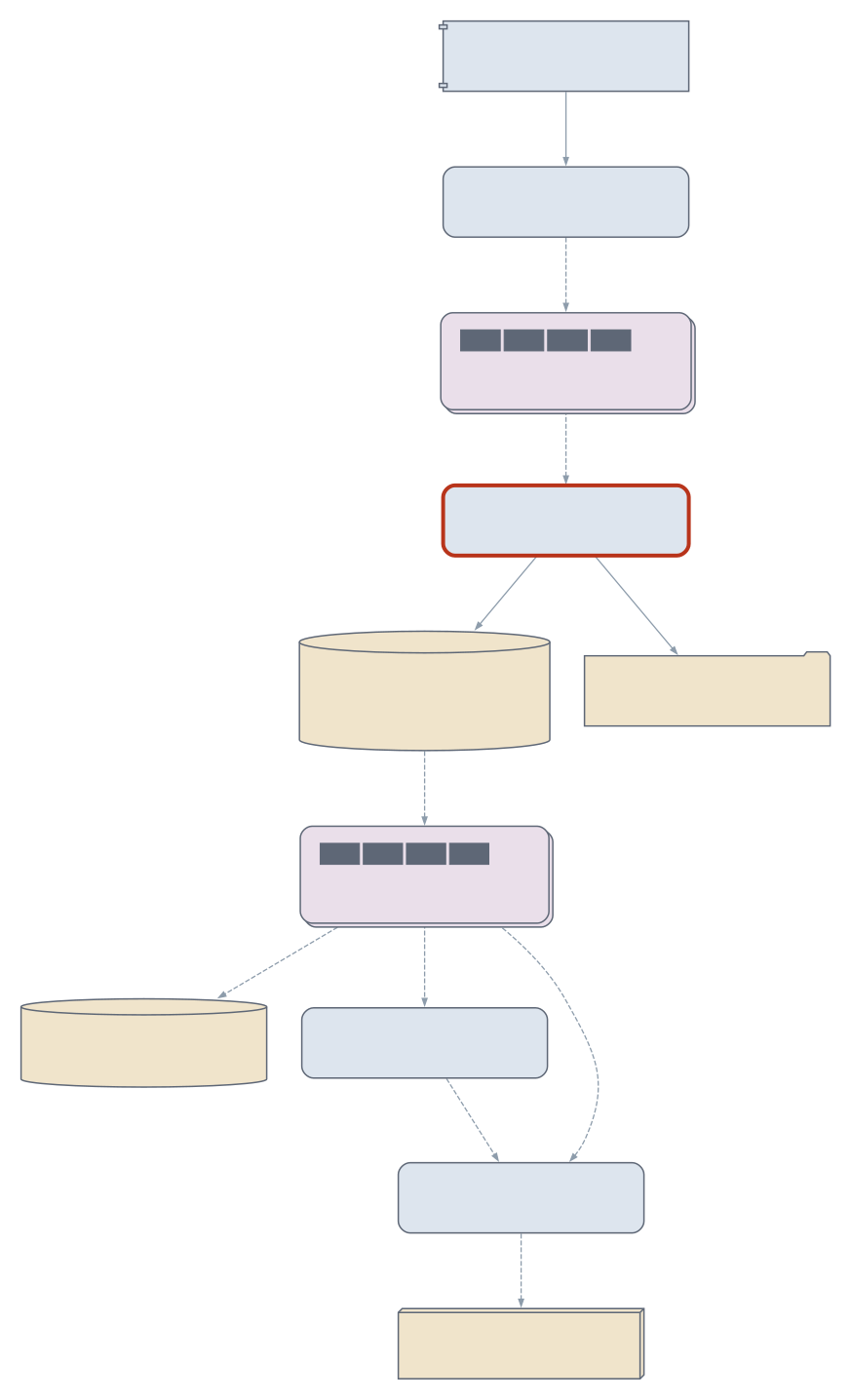
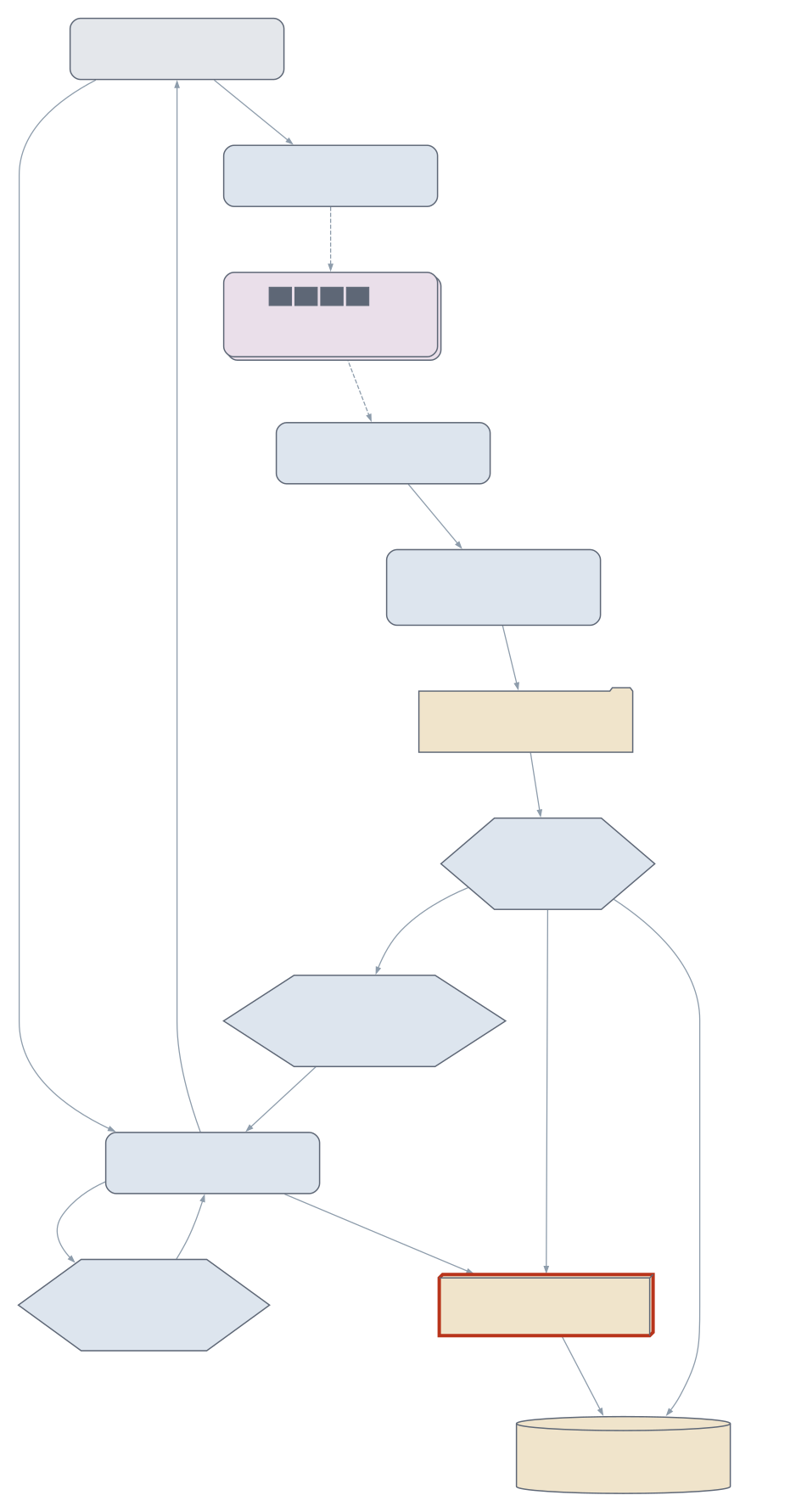
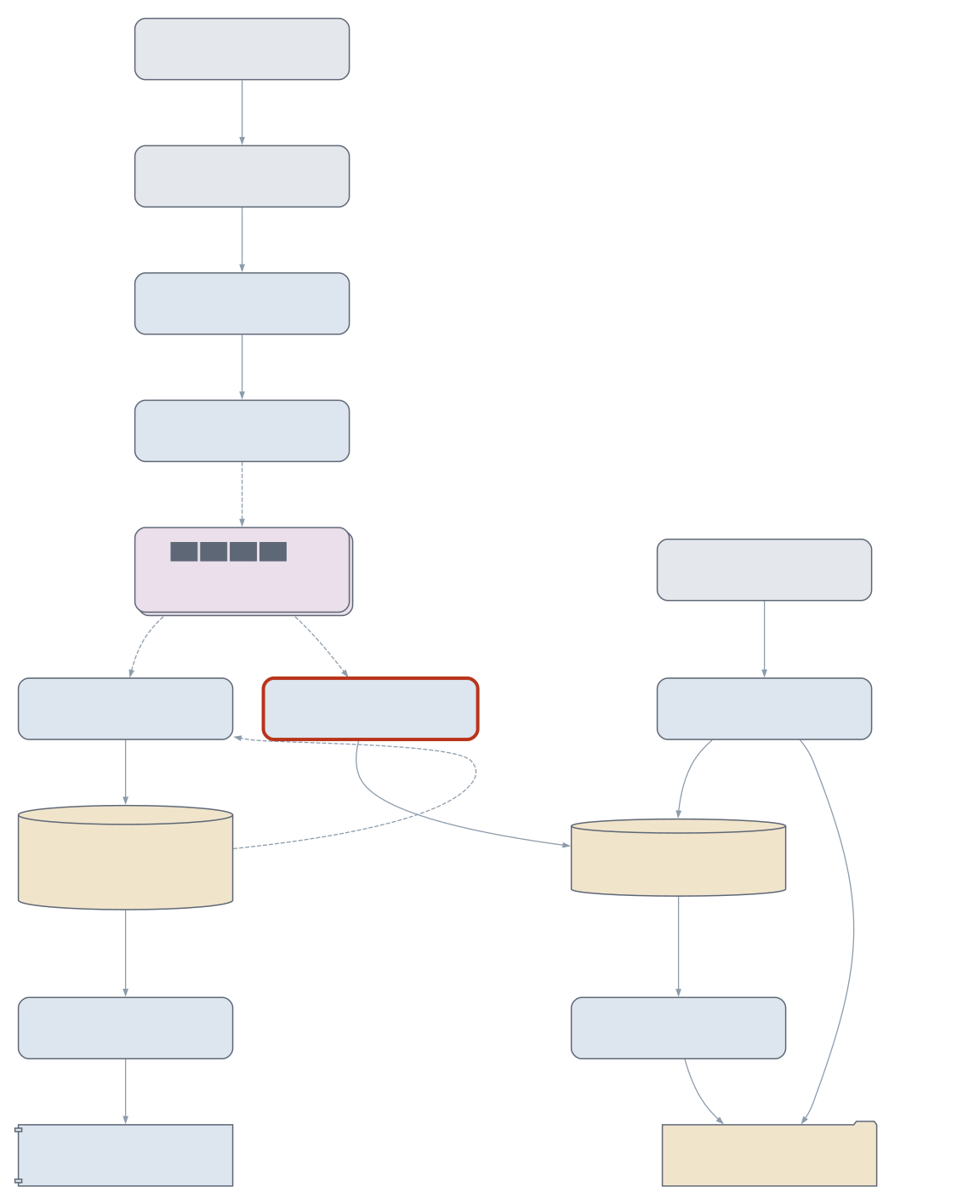
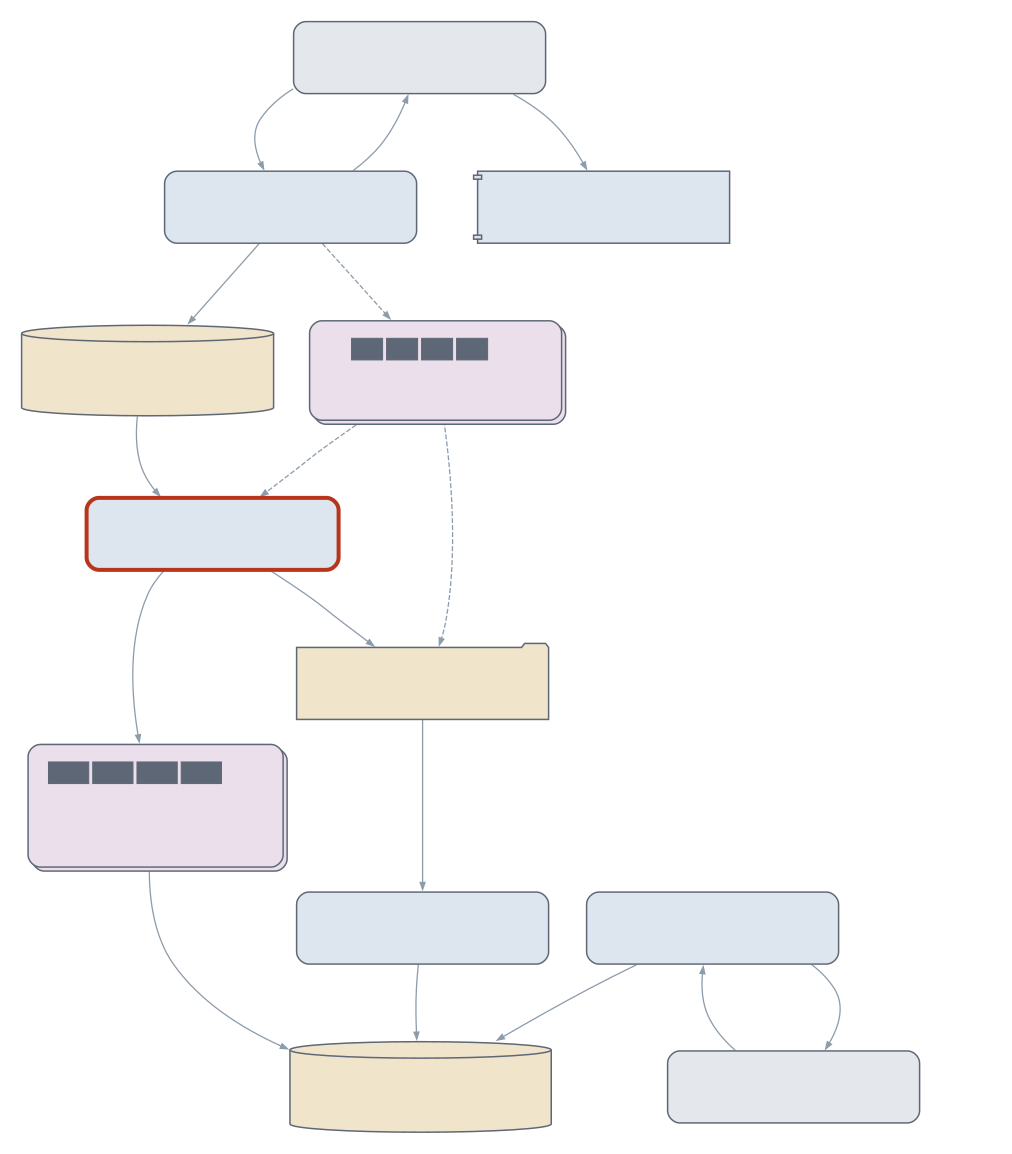
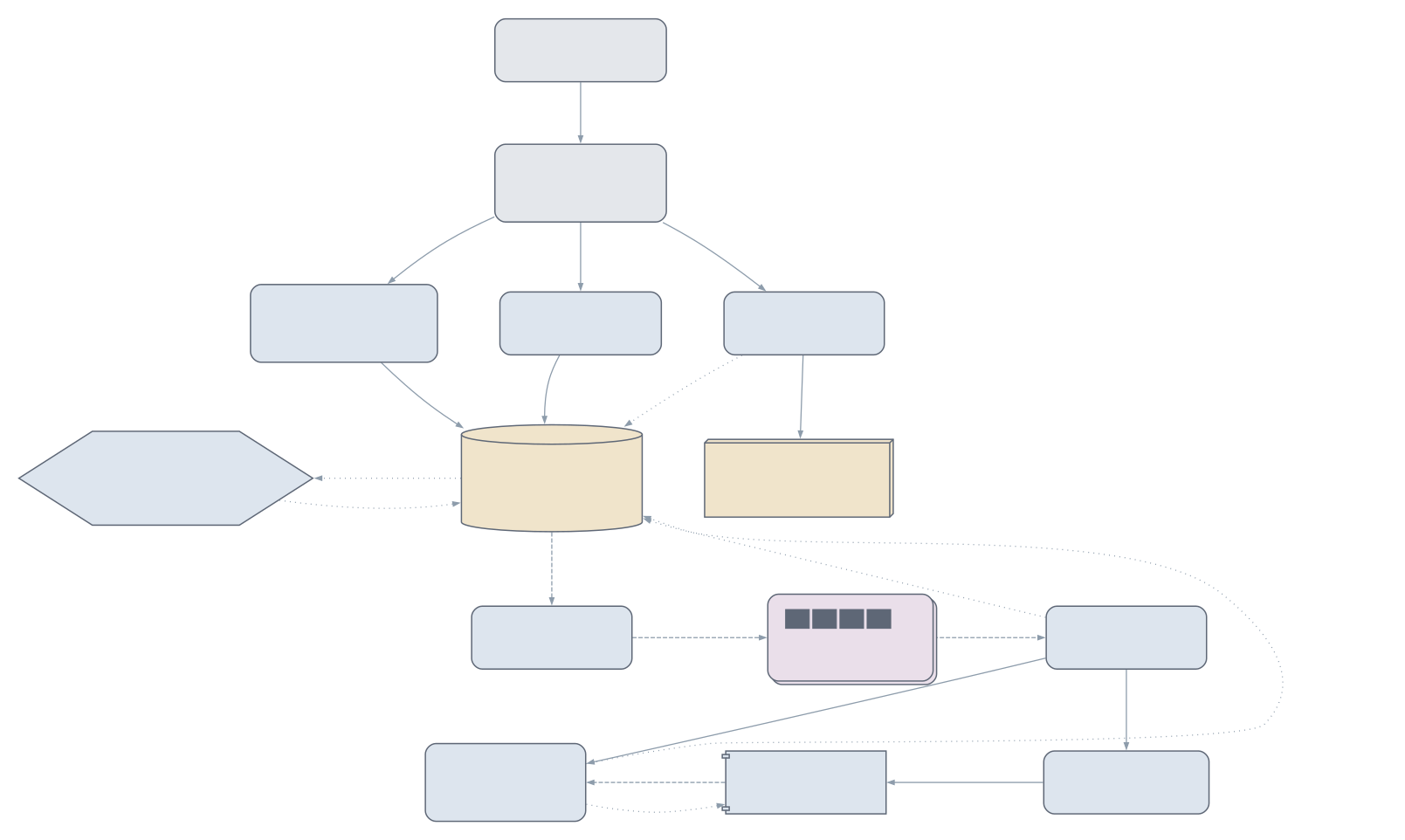
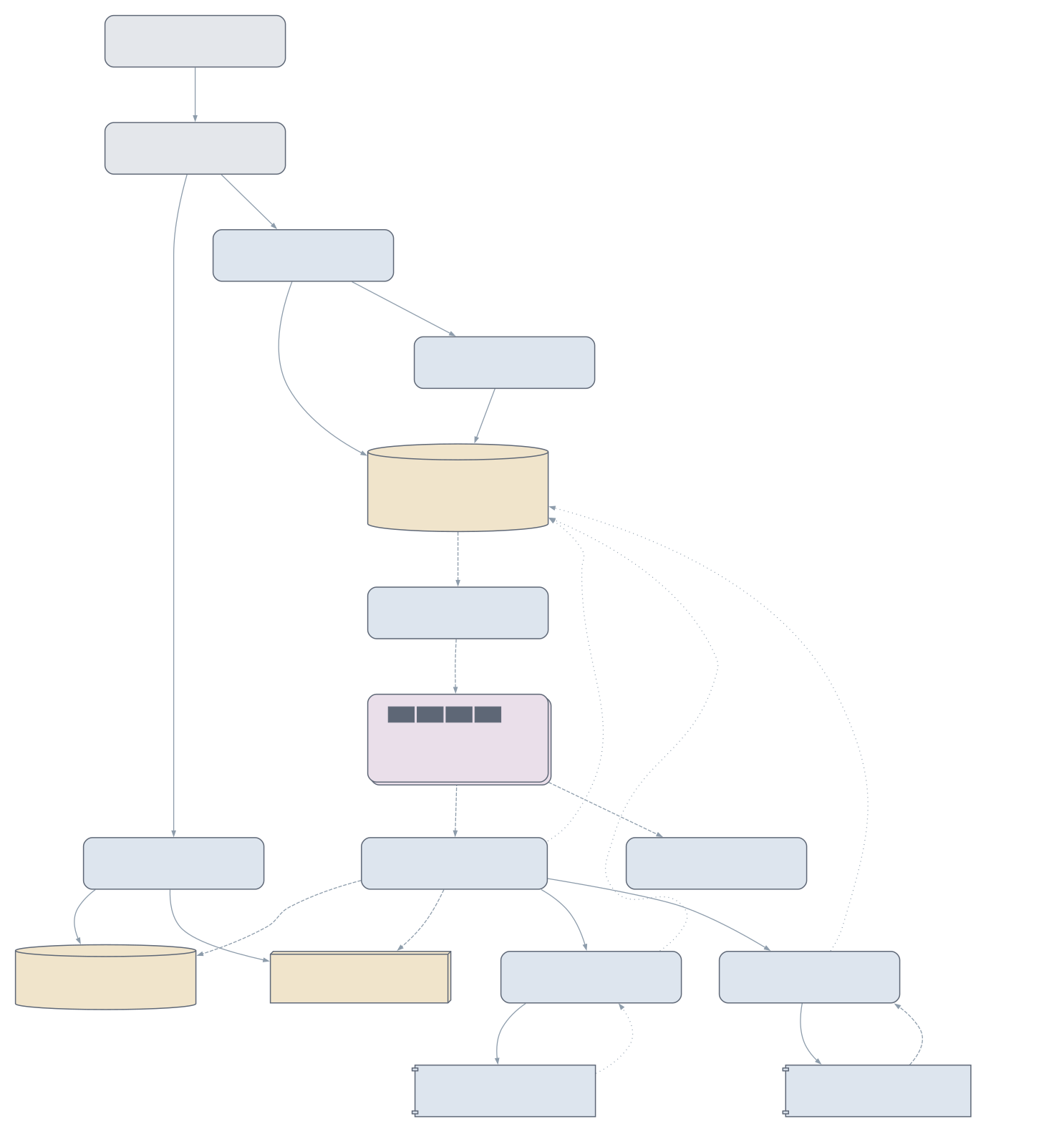
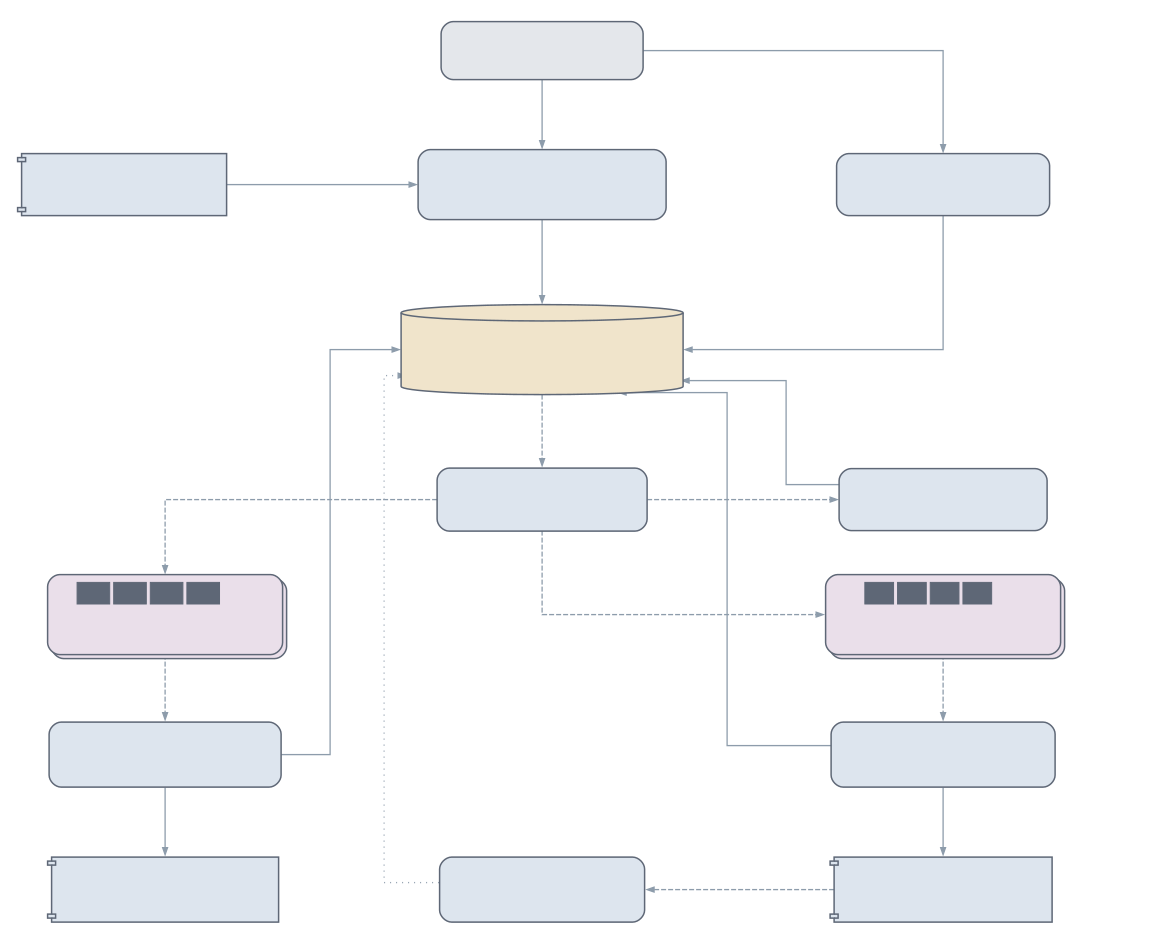
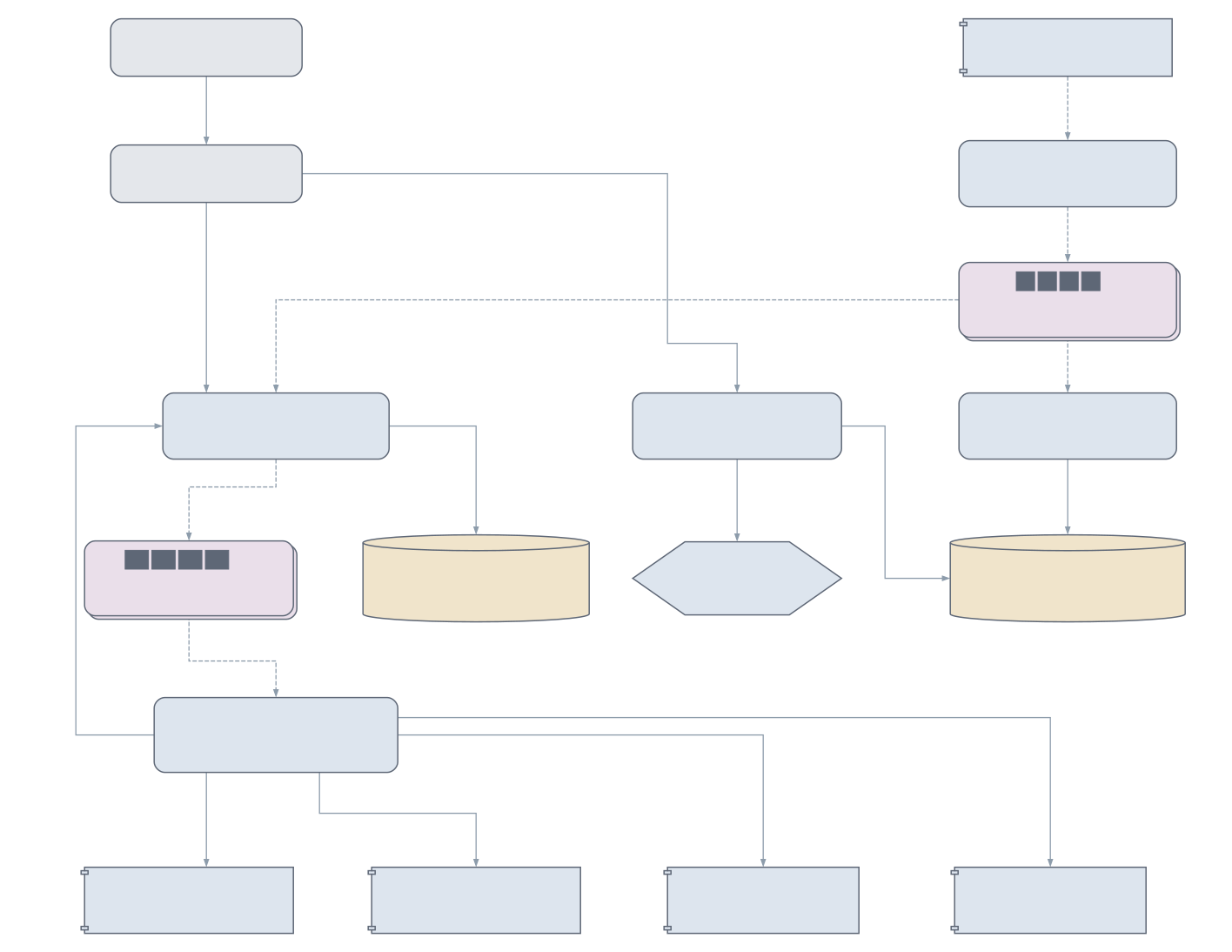
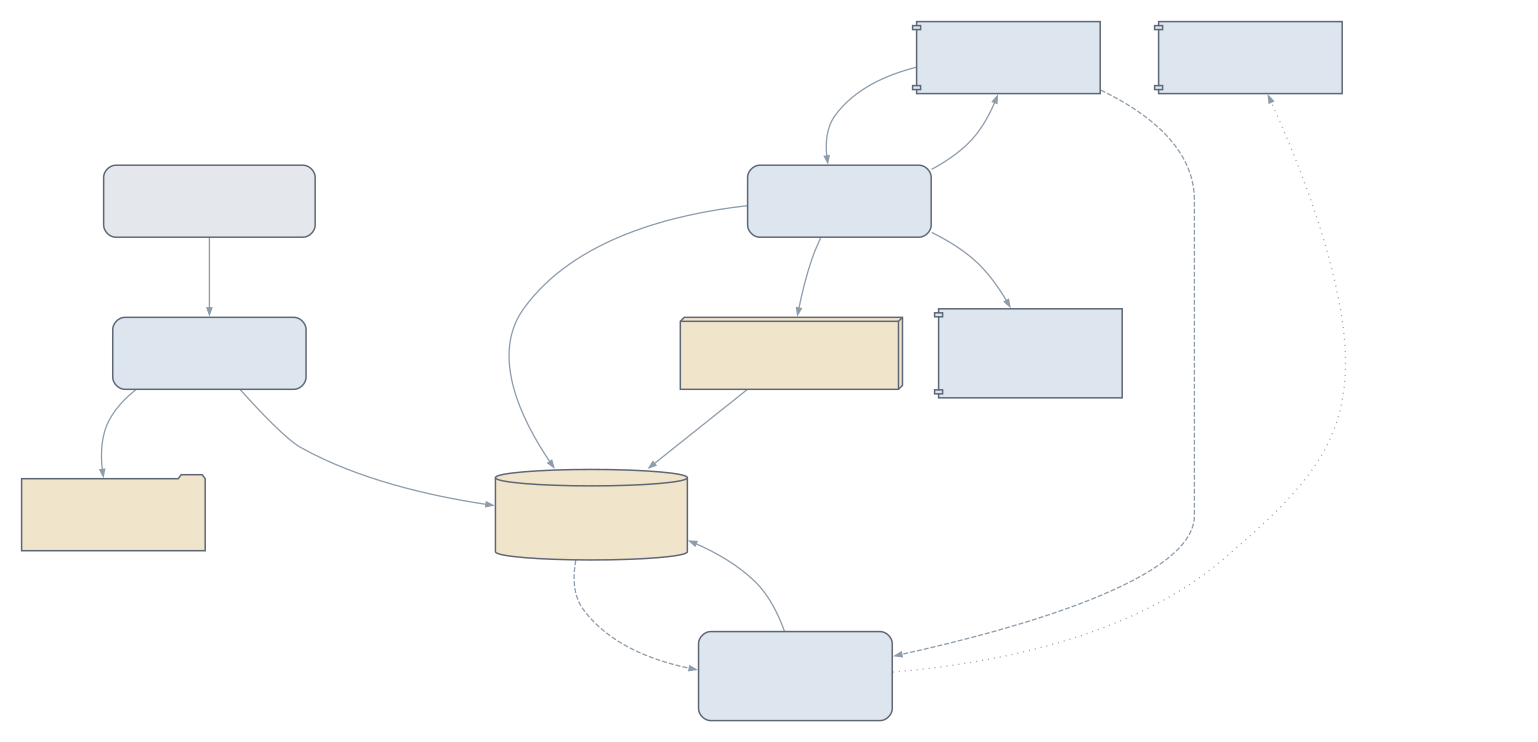
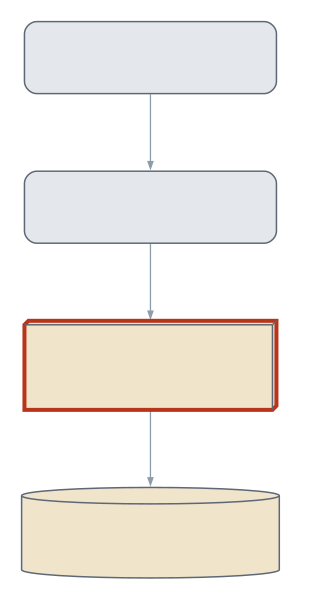
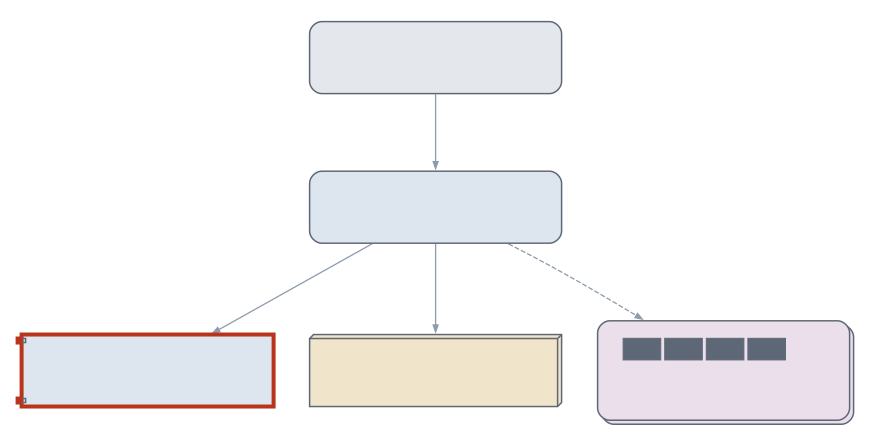
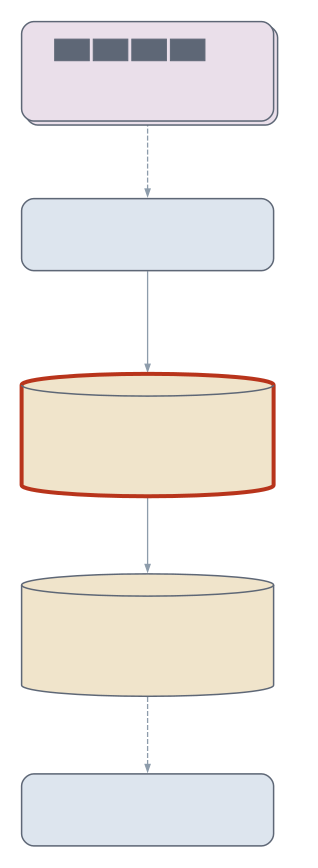
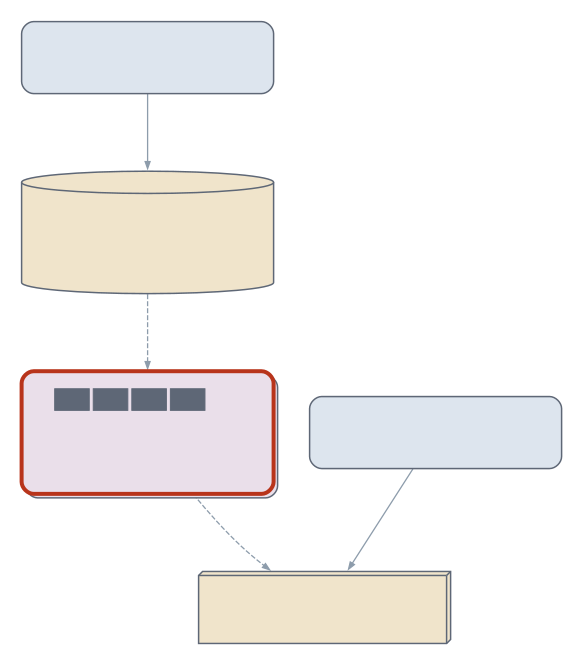
A: follow a query through Gateway, Graph Service and authorization. B: follow an HR change through reliable publication and projection. C: follow a lifecycle event through durable workflow state, a task queue and separate domain adapters. HR is the example source; other domain owners publish through the same ingestion pattern. Step results return to the orchestrator.
- Edge
- Compute
- State
- Messaging
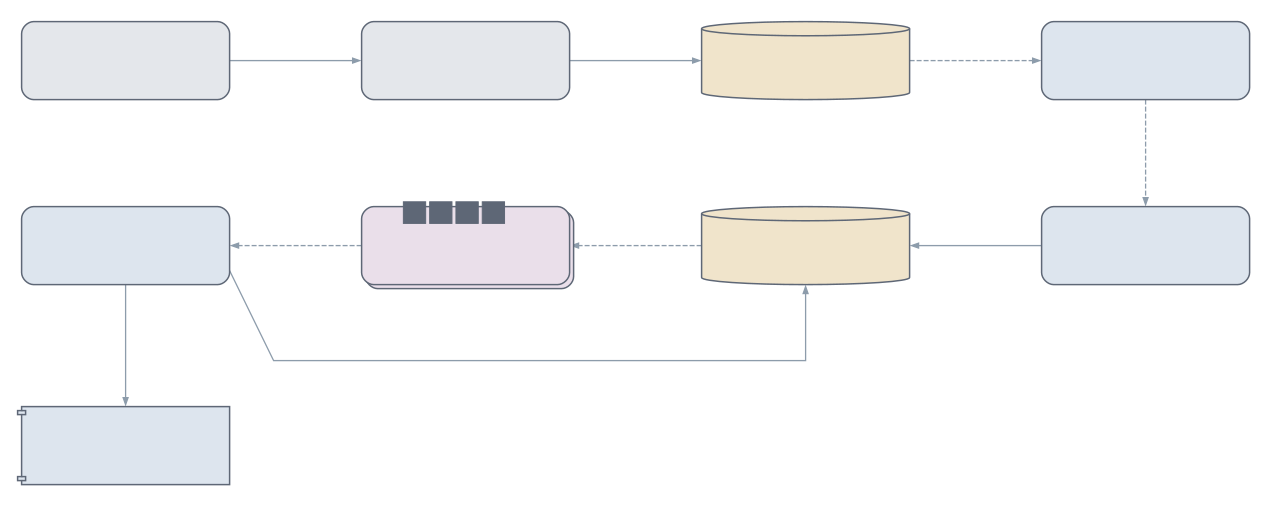
━━ Synchronous┄┄ Asynchronous···· Recovery / control▧ Fault
Each arrow is one interaction. Request, background and recovery branches are not one linear transaction.
Read the 18 flow steps
End-to-end flow
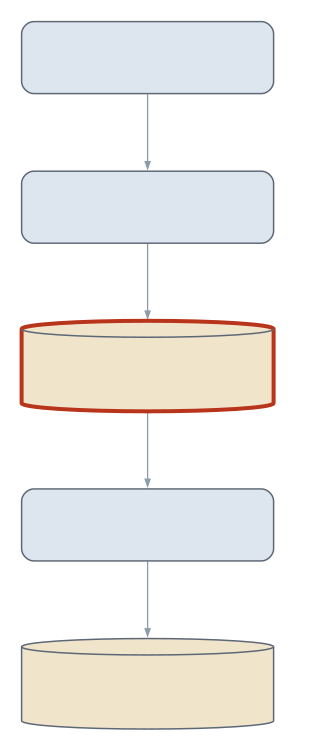
A — Read Alice’s relationships. The Gateway authenticates and routes the request to the Employee Graph Service. The service checks current authorization, queries the indexed Employee / Relationship DB, and returns only permitted data. It does not run lifecycle workflows or fan out ordinary reads to every module.
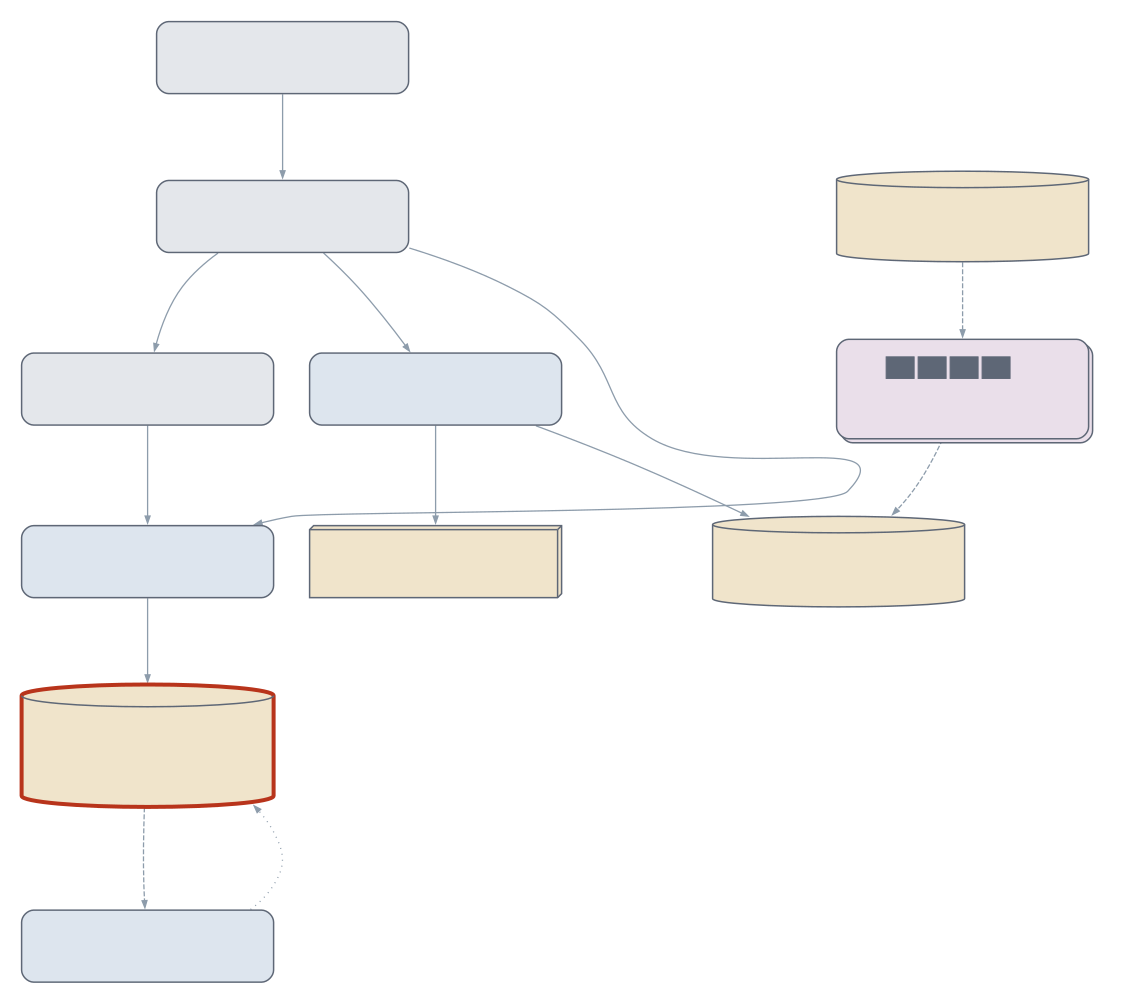
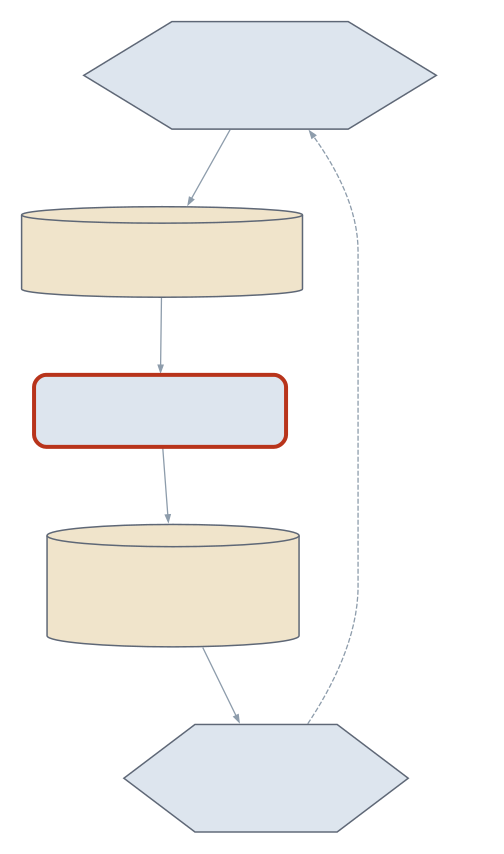
B — Alice moves to Sales. HR commits the department change and its together. The source relay or reader publishes to Kafka. Projection workers apply the newer relationship version. IT, Payroll and Benefits can publish their own changes through the same pattern; each remains authoritative for its fields.
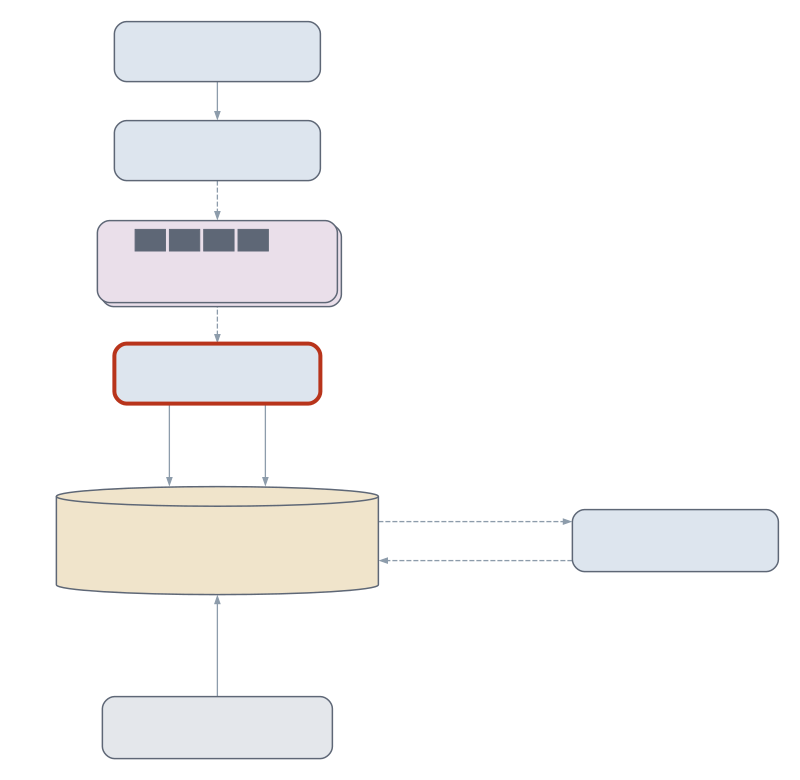
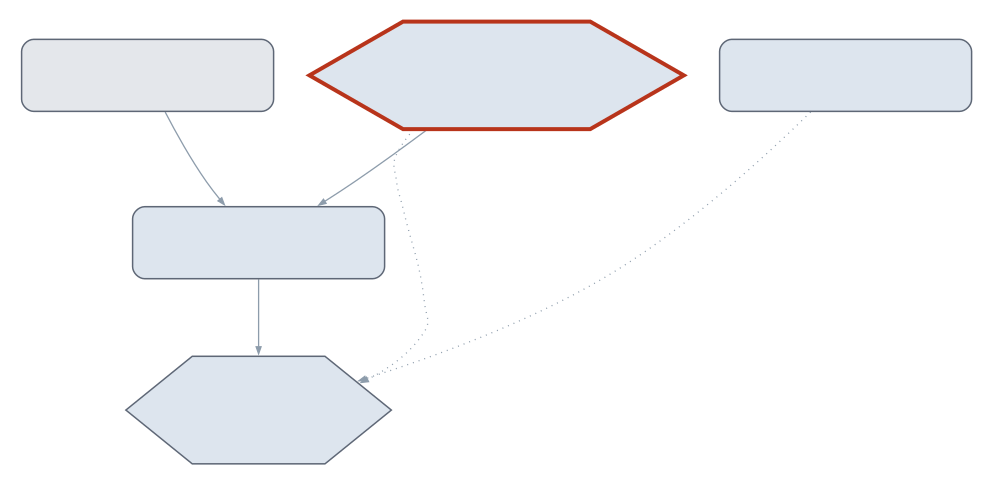
C — Alice leaves. The lifecycle event reaches the Workflow Orchestrator, which commits step state and an . Its relay publishes tasks to the Durable Task Queue. Adapters independently call Identity, Device Management, Payroll and Benefits, then return each result to the orchestrator. The orchestrator records progress and schedules retries; the queue only delivers work. Payroll failure never restores access.
High-level design component walkthrough
HR / IT / Finance apps
Request authorized employee views and lifecycle operations.
Why, tradeoff and connected operations
One tenant-scoped entry point.
Tradeoff: Role-specific permissions still differ.
Connected operations: A1 Request
API Gateway
Authenticate the tenant and route reads to the Graph Service or lifecycle requests to the orchestrator.
Why, tradeoff and connected operations
Separate routing from employee-query and workflow responsibilities.
Tradeoff: Business services still authorize each operation.
Connected operations: A1 Request; A2 Route read; Admin request (optional)
Employee Graph Service
Authorize tenant, employee, relationship and field access before returning a bounded employee view.
Why, tradeoff and connected operations
Common reads use one materialized relationship store instead of calling every module.
Tradeoff: Derived data can lag its owner.
Connected operations: A2 Route read; A3 Authorize; A4 Read + filter
Authorization Service
Check current tenant grants, field permissions and authoritative employment scope.
Why, tradeoff and connected operations
A stale relationship projection cannot grant sensitive access.
Tradeoff: If current authority is unavailable, protected requests fail closed.
Connected operations: A3 Authorize
Employee / Relationship DB
Store the employee and adjacency projections, indexed by tenant, employee and relationship type.
Why, tradeoff and connected operations
PostgreSQL adjacency tables support employee, team and bounded manager-chain queries with ordinary indexes. Keeping source versions beside edges makes projection updates easy to check. is enough for this bounded relationship workload; a dedicated graph database is not needed yet.
Tradeoff: This is derived state, not the master for payroll or identity.
Connected operations: A4 Read + filter; B4 Apply newer state
HR Source of Truth
Own official employment, manager and department data. The diagram follows an HR change; IT and other owners publish their own versioned changes through the same ingestion path.
Why, tradeoff and connected operations
Each field has one authoritative domain owner.
Tradeoff: Source changes and event delivery can become separated by outages.
Connected operations: B1 Commit change
Source Outbox / CDC
Reliably publish committed source changes. An belongs to the source transaction; this box represents its relay or a reader, not a second independent business write.
Why, tradeoff and connected operations
A committed HR update must survive publisher failure.
Tradeoff: Publication is at least once and may lag.
Connected operations: B1 Commit change; B2 Publish
Kafka Event Bus
Buffer and replay versioned module updates.
Why, tradeoff and connected operations
Decouple source availability from projection work.
Tradeoff: At-least-once delivery requires .
Connected operations: B2 Publish; B3 Consume; C1 Lifecycle event
Graph Projection Workers
Apply owner versions and tombstones to employee and edge views.
Why, tradeoff and connected operations
Old events cannot overwrite newer state.
Tradeoff: Gaps need snapshots or replay.
Connected operations: B3 Consume; B4 Apply newer state
Workflow Orchestrator
Authorize lifecycle requests, persist dependencies and progress, relay committed tasks, and accept step results.
Why, tradeoff and connected operations
One component decides which steps are due and what completion means.
Tradeoff: Keep state durable so another instance can resume.
Connected operations: C1 Lifecycle event; C2 Commit state + ; C3 Relay committed tasks; C6 Step result / retry; Admin request (optional)
Workflow State + Outbox
Own workflow steps, timers, stable action IDs and results; commit step changes and dispatch intent together.
Why, tradeoff and connected operations
PostgreSQL commits workflow steps, results and intent together. Durable state lets an orchestrator resume without forgetting completed work. fits these linked state transitions; this logical workflow store has a different responsibility from the read projection and task queue.
Tradeoff: One fenced writer per ; queue publication may follow later.
Connected operations: C2 Commit state +
Durable Task Queue
Buffer committed step tasks until module workers receive them.
Why, tradeoff and connected operations
Decouple orchestrator scheduling from provider latency and worker availability.
Tradeoff: At-least-once delivery requires stable action IDs and duplicate handling.
Connected operations: C3 Relay committed tasks; C4 Deliver task
Idempotent Module Adapters
Consume tasks, execute scoped module actions, and report confirmed, failed or unknown outcomes to the orchestrator.
Why, tradeoff and connected operations
Each module has its own credentials, rate limits and retry contract.
Tradeoff: A timeout may hide a completed external action; reconcile before unsafe retries.
Connected operations: C4 Deliver task; C5a Revoke access; C5b Lock / recover; C5c Final-pay request; C5d Update benefits; C6 Step result / retry
Identity / App Access
Own accounts, sessions and application grants; revoke platform sessions and external access during offboarding.
Why, tradeoff and connected operations
Identity owns access enforcement; the graph only describes relationships.
Tradeoff: External SaaS revocation needs separate confirmation.
Connected operations: C5a Revoke access
Device Management
Own inventory, device locking and recovery status.
Why, tradeoff and connected operations
Device recovery can progress independently of access revocation.
Tradeoff: Physical return can require a human and take days.
Connected operations: C5b Lock / recover
Payroll
Own final-pay processing and payment records.
Why, tradeoff and connected operations
Workflow requests the payroll action without calculating or paying salaries itself.
Tradeoff: Payroll failure never restores revoked access.
Connected operations: C5c Final-pay request
Benefits
Own benefit enrollment and termination processing.
Why, tradeoff and connected operations
Benefits can have a different effective date and completion criterion.
Tradeoff: Provider or human processing can delay confirmation.
Connected operations: C5d Update benefits
Deep dives — decisions, failures and recovery
Open a deep dive to follow the steps, try an example and see how recovery works.
Tradeoffs and alternatives
| Decision | Tradeoff / alternative and recovery implication |
|---|---|
| Authorization and tenant isolation | Fresh authorization adds a dependency; protected operations fail closed when current permission state is unavailable. |
| Event ordering and consistency | Derived views can lag. Use authoritative state for security-sensitive decisions. |
| Workflow partial failures | There is no all-or-nothing transaction across modules; partial completion must be visible. |
| Large tenants and regional failures | Bulk updates take time, and uncertain operations may pause during recovery. |
Production scars & failure modes
Alice changes teams, then leaves the company. Which system owns each change, and how does it reach the others?
Look for: Check the HR source version, graph freshness and each offboarding step’s recorded result.
Recovery and invariant: Keep the owners authoritative, apply newer projections, and recover unfinished workflow steps without undoing completed security actions.
| Component / failure | Impact | Recovery mechanism | Alternative / tradeoff |
|---|---|---|---|
| HR commits while Kafka is down | Alice’s graph view is stale. | Publish the committed event when Kafka returns. | Monitor source lag; do not use the stale graph to grant access. |
| Slack revocation succeeds; device recovery fails | Offboarding is partially complete. | Keep access revoked; retry or escalate the device step. | Show pending work explicitly. |
| Worker disappears after an external call | The action may have happened. | Look up the original operation ID before a safe retry. | A timeout is not proof of failure. |
60-second interview summary
I would build a unified employee identity and relationship view while leaving HR, IT, Payroll and Benefits authoritative for their data. The Graph Service reads indexed relationships and checks tenant, relationship and field permissions before returning them.
Source systems publish versioned changes through an and durable event stream. Projection workers update the graph without letting older events overwrite newer state. This keeps ordinary reads fast without calling every module.
For onboarding and offboarding, the orchestrator commits workflow state and an . Its relay publishes to a durable task queue. Idempotent adapters call Identity, Devices, Payroll and Benefits, then report results back so the orchestrator can record progress and retry safely. I would partition large tenants and fence stale owners during failover. Ordinary graph views can lag; sensitive access uses current authority and lifecycle completion requires confirmed results.
Explain it without looking
Explain authorization and tenant isolation
Reveal answer
Check tenant, relationship and field permissions before returning employee data.
A manager relationship alone does not grant access to salary or bank details.
Fresh authorization adds a dependency; protected operations fail closed when current permission state is unavailable.
Explain event ordering and consistency
Reveal answer
Accept only newer changes from the owner of each field or relationship.
A delayed event must not undo a transfer or termination.
Derived views can lag. Use authoritative state for security-sensitive decisions.
Explain workflow partial failures
Reveal answer
Persist each step, retry it with the same operation ID, and reconcile unknown outcomes.
One failed module should not erase work that already succeeded elsewhere.
There is no all-or-nothing transaction across modules; partial completion must be visible.
Explain large tenants and regional failures
Reveal answer
Partition relationship data, cap tenant workload, and fence old workflow owners during failover.
A large reorganization must not starve smaller tenants or replay conflicting actions.
Bulk updates take time, and uncertain operations may pause during recovery.
Revision checklist
Revision checklist
- Reconstruct authorization and tenant isolation: Check tenant, relationship and field permissions before returning employee data.
- Reconstruct event ordering and consistency: Accept only newer changes from the owner of each field or relationship.
- Reconstruct workflow partial failures: Persist each step, retry it with the same operation ID, and reconcile unknown outcomes.
- Reconstruct large tenants and regional failures: Partition relationship data, cap tenant workload, and fence old workflow owners during failover.
- Name the authoritative state, boundary, retry identity and failure-domain durability guarantee.
- Explain one alternative and exactly which guarantee you would relax.
- Redraw the request and recovery paths without looking; mark what required a hint.
60-minute interview outline
60-minute interview walkthrough
| Time | Focus | What to cover |
|---|---|---|
| 0–5 min | Introductions | Introduce yourself briefly and confirm the interview format. |
| 5–15 min | Scope and scale | Use Alice’s manager, department, apps and laptop as the example. Confirm HR remains authoritative, agree four requirements, then sketch Employee, Relationship and Workflow plus the essential APIs. |
| 15–30 min | High-level design | Draw A: UI → Gateway → Graph Service → authorization and relationship DB. Add B: HR → / → event bus → projection workers → DB. Add C: event bus → orchestrator → committed workflow state/ → task queue → adapters → domain services, with results returning to the orchestrator. |
| 30–45 min | Deep dives | Choose two or three of four deep dives: authorization, event ordering, workflow partial failure, large-tenant/regional recovery. Explain one concrete failure and the decision that protects correctness. |
| 45–55 min | Failure and recovery | Use the remaining time to pressure-test a partial offboarding or regional failure. Summarize the three paths in 60 seconds and leave time for questions. |
| 55–60 min | Wrap-up | Summarize the design and its main tradeoff. Leave time for questions. |
On this page
- Problem statement
- Functional requirements
- Non-functional requirements
- Back-of-the-envelope estimates
- Entities
- API design
- High-level design
- End-to-end flow
- High-level design component walkthrough
- Deep dives — decisions, failures and recovery
- Tradeoffs and alternatives
- Production scars & failure modes
- 60-second interview summary
- Explain it without looking
- Revision checklist
- 60-minute interview walkthrough